Modern video doorbells rarely record around the clock. Instead, they sleep until something worth noticing happens, then wake up, decide what they are looking at, and send you the right kind of alert: a person at the door, a package on the step, or just motion in the yard. Telling a person apart from a package sounds trivial to a human, but for a small camera running on a battery it requires a clever two-stage pipeline of motion sensing and machine vision.
Understanding that pipeline explains the doorbell’s behavior — why it sometimes announces a package that is really a doormat, why it can ignore a swaying tree but not a delivery driver, and why the subscription tier changes what the device can recognize.
The Two-Stage Detection Pipeline
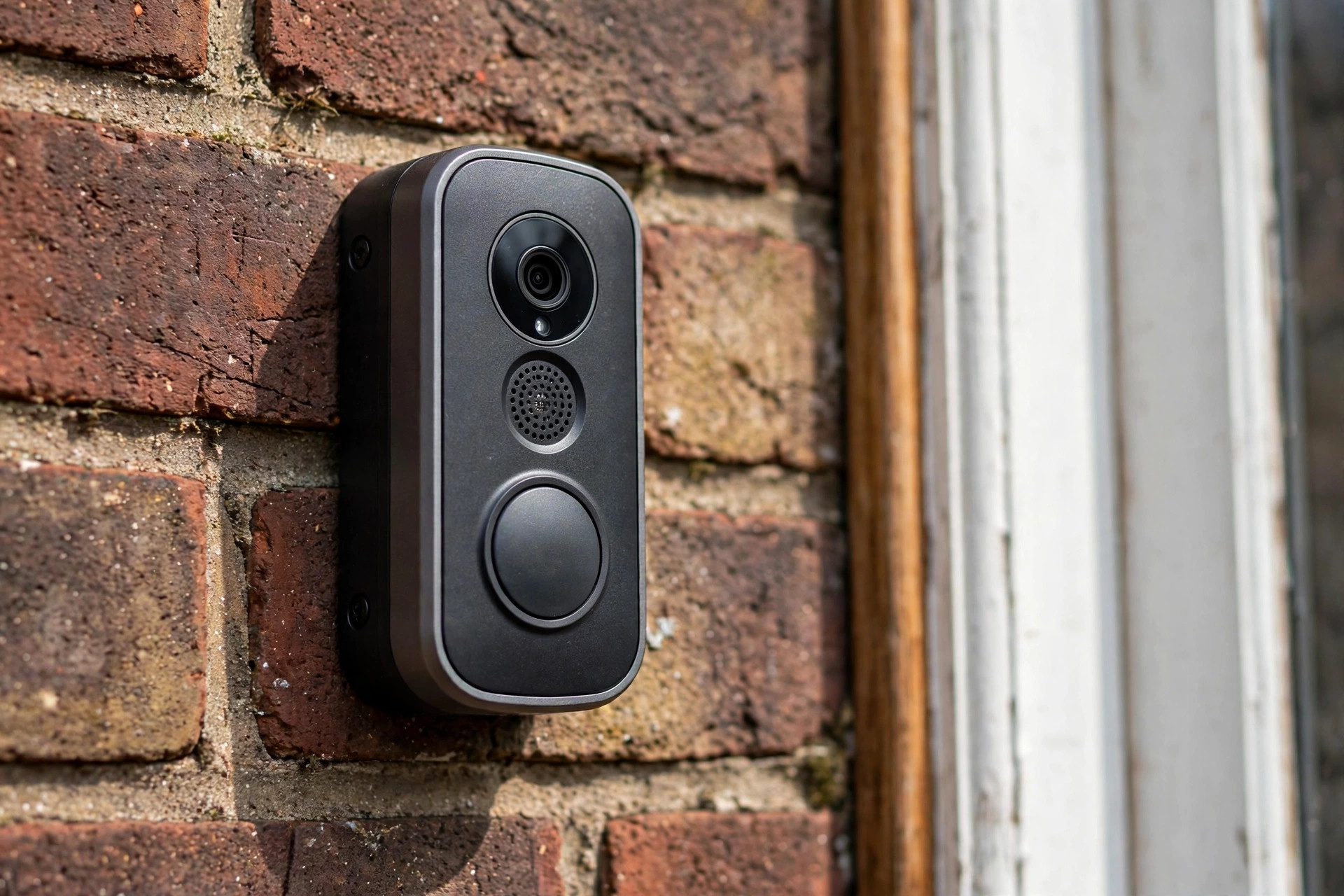
Almost every video doorbell starts with a passive infrared (PIR) sensor, the same technology used in indoor motion sensors that detect movement. The PIR element watches for changes in infrared heat against the background: a warm human body moving across the field of view creates exactly the kind of signal it is tuned for. This first stage exists for one reason — power. Keeping a camera and processor running continuously would drain a battery in days; the PIR sensor sips microamps while it waits, and only when it fires does the camera wake, capture video, and hand the frames to the second stage.
The second stage is computer vision. The captured frames are analyzed — either on the device itself or in the cloud, depending on the model — by trained neural networks that classify what is in the scene. This is where “motion detected” becomes “person detected” or “package detected.” The PIR sensor answers “did something warm move?”; the vision system answers “what was it?”
How the Camera Recognizes a Person
Person detection models are trained on vast datasets of human images in every posture: standing, walking, bending, carrying boxes, pushing strollers. The network learns the visual signature of a human — roughly head-shaped mass above a torso, limb-like structures, characteristic proportions — and scores each frame for how strongly it matches. When the score crosses a threshold, the doorbell labels the event as a person and can send a distinct “person at your door” notification rather than a generic motion ping.
Newer systems go further, tracking the detected person across frames to estimate direction and dwell time: someone walking past on the sidewalk gets a different response than someone standing at the door for thirty seconds. Some models even attempt package handoff detection, noticing when a person arrives with a box and leaves without it. How well any of these models work in practice depends heavily on training data and testing — which is why independent evaluations like NIST’s Face Recognition Vendor Test, which benchmarks recognition algorithms from vendors worldwide, are the closest thing the industry has to a neutral scorecard.
Person vs. pet vs. passing car
Distinguishing these is a geometry problem. Pets are smaller, lower to the ground, and move differently; cars are larger, faster, and confined to the street region. Good systems combine size, position in the frame, and movement pattern. This is why PIR sensors tuned to detect humans still matter as the first stage: the vision model performs best when the PIR stage has already filtered out the vast majority of non-events, like heat shimmer or distant traffic.
How Package Detection Works
Package detection looks for the opposite of a person: a new, roughly box-shaped, stationary object appearing in a defined area near the door. The system compares the current scene against its learned background — the normal empty porch — and flags persistent new blobs in the “package zone,” a region the user can usually adjust in the app. Shape analysis favors rectangular, parcel-like contours over doormats and planters, and some systems check that the object arrived together with a person (the delivery event) to reduce false positives.
Because packages do not move or emit heat, the PIR sensor cannot see them directly. Instead, package alerts are typically generated by scheduled re-analysis: the doorbell periodically re-examines the porch scene, or re-checks after a person-detection event ends, asking “is there a box here now that was not here before?” This is also why package detection is usually a cloud or subscription feature — it needs more compute than the brief wake-and-classify cycle of a visitor alert.
Motion Zones and Sensitivity: Why They Matter
Every false alert a doorbell sends trains its owner to ignore the next one, so zone configuration is genuinely important. Motion zones let you mask off the sidewalk, the street, or a neighbor’s yard, so the PIR stage and the vision stage both ignore activity there. Sensitivity sliders adjust how much pixel or infrared change counts as an event. Well-drawn zones are the difference between a doorbell that notifies you about visitors and one that narrates every passing bus.
Zones also interact with the blind zones in motion detection: a PIR sensor’s range is finite and its field of view is shaped by a faceted lens, so a package tucked directly below the doorbell or far to one side may sit in a region the sensor barely covers. Angling the mount with a wedge kit often fixes more “missed package” complaints than any software setting.
Where It Gets Things Wrong
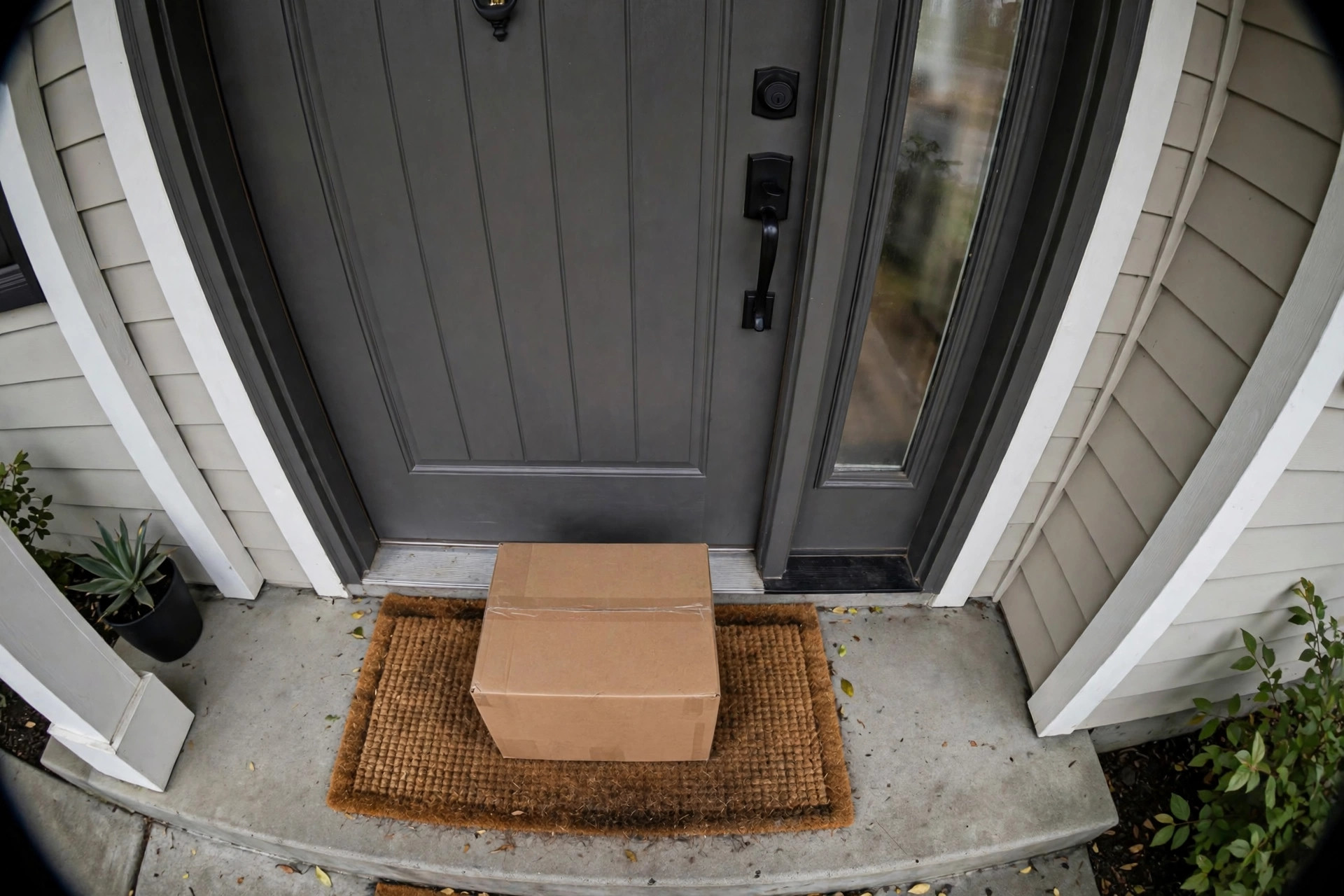
The system has predictable failure modes. Low sun angles and deep shadows confuse shape analysis; a doormat in harsh side-light can look remarkably box-like. Spiders building webs across the lens create constant near-field motion that the PIR stage loves and the vision stage cannot classify. Small padded envelopes may fall below the size threshold for “package,” and a delivery driver who tosses the parcel from the walkway may never enter the package zone at all.
Night operation adds another wrinkle: infrared night vision flattens color and texture cues the models rely on, so classification accuracy drops after dark on most models. None of this means the technology is unreliable — it means the alerts are probabilistic judgments, and the doorbell’s settings exist to tune those probabilities to your porch.
Cloud vs. On-Device Processing
Where the vision analysis happens shapes what your doorbell can do and how fast it does it. Cloud processing sends the video clip to the manufacturer’s servers, where large models — far bigger than anything that fits on a doorbell chip — classify the scene. This enables the most accurate person and package recognition, plus features like familiar-face alerts, but it adds a second or two of latency, requires an internet connection, and means your porch video travels off-site. It is also the reason advanced detection usually needs a subscription: you are renting server compute.
On-device (edge) processing runs smaller, optimized models directly on the doorbell’s chip. Alerts arrive faster, the system works during internet outages, and video never has to leave your home for basic detection. The trade-off is accuracy and feature depth: edge models are leaner, so fine distinctions — a package versus a bag of mulch, a visitor versus a solicitor lingering — are harder. The industry is drifting toward a hybrid: fast, simple classifications on-device for instant alerts, with cloud models refining the result a moment later. When comparing doorbells, asking “where does the AI run?” tells you a lot about both the subscription cost and the privacy posture.
Worth buying
If you want person and package alerts that work out of the box, the Ring Battery Doorbell (Newest Model) is the easy pick: head-to-toe video covers the porch floor where packages land, and its motion zones keep street traffic out of your notifications. If you have existing doorbell wiring and prefer never charging a battery, the Ring Video Doorbell Wired (Newest Model) offers the same detection pipeline with continuous power for more frequent checks.
Disclosure: as an Amazon Associate, awasc.com earns from qualifying purchases.
Frequently Asked Questions
Does a video doorbell record all the time?
Most battery models do not; they sleep and wake on PIR motion to save power. Wired models with continuous power can offer longer pre-roll video or, on some plans, 24/7 recording.
What is the difference between a person alert and a package alert?
A person alert comes from the vision model recognizing a human shape in the frame. A package alert comes from spotting a new stationary box-like object in the package zone near your door, often checked after a delivery event.
Does person detection work at night?
It works, but less accurately. Infrared night vision removes the color and texture detail that classification models rely on, so expect more generic motion alerts after dark. Doorbell models with color night vision or a built-in spotlight preserve more of those cues and classify noticeably better than pure infrared models, which is one reason the night-vision specification matters more than it first appears.
Do I need a subscription for package detection?
On most brands, yes. Package detection needs repeated scene analysis that runs in the cloud, so it is typically gated behind the paid plan while basic motion alerts are free.
Why does my doorbell miss packages?
Common causes: the package landed outside the configured package zone or in a PIR blind spot, it is too small to cross the size threshold, or harsh lighting fooled the shape analysis. Adjusting zones and the mounting angle fixes most cases.